TG-7 Settings Guide
Best TG-7 Settings with the Backscatter Mini Flash 2
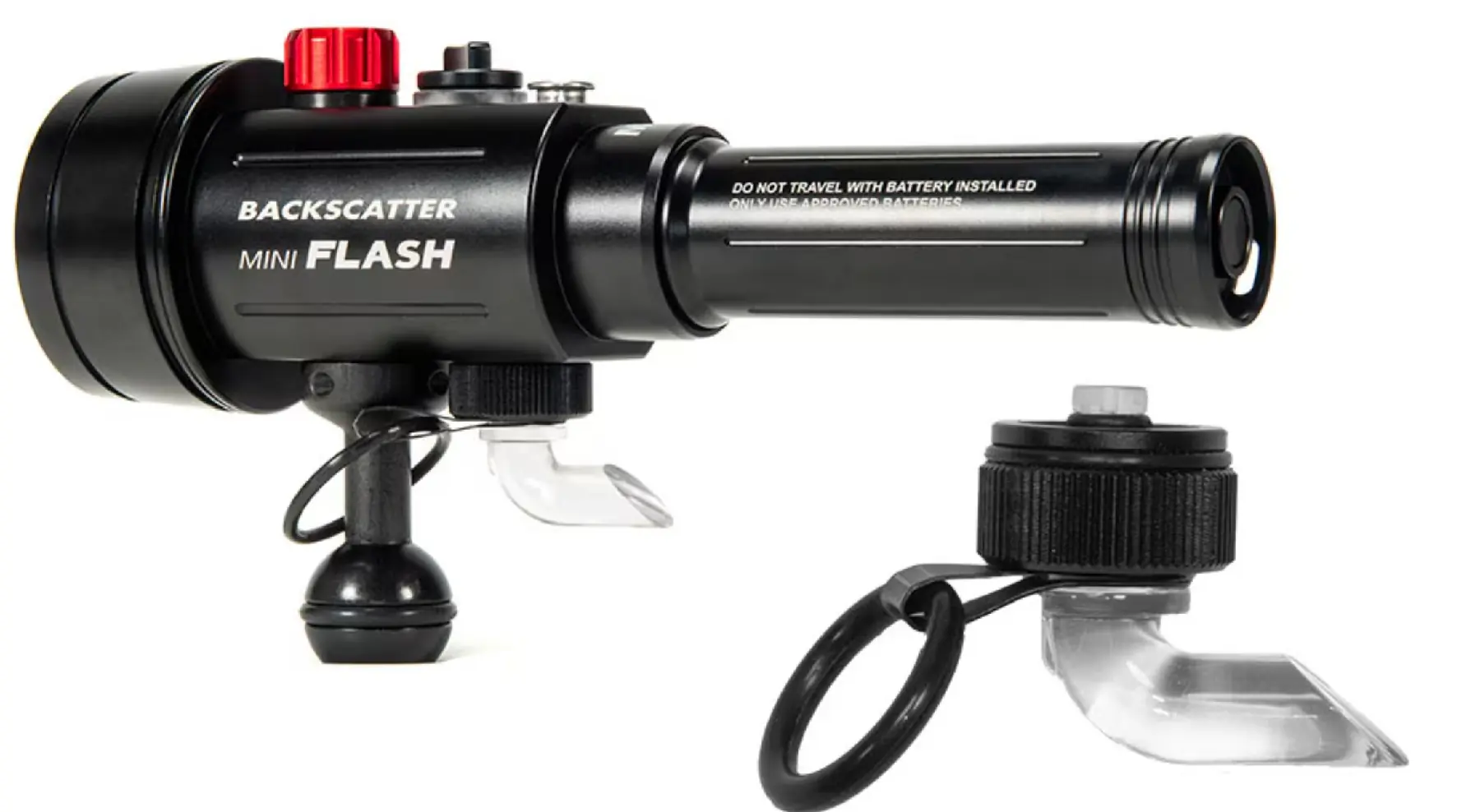
The OM System Tough TG-7 and Backscatter Mini Flash 2 make a compact, lightweight and very capable underwater macro photography setup. This guide gives our recommended starting settings for nudibranchs, shrimps, frogfish, seahorses and other small subjects.
Our Recommended Starting Settings
| Setting | Recommendation |
|---|---|
| Shooting mode | Aperture Priority / A Mode |
| Aperture | F2.0 as a simple starting point |
| ISO | 100 |
| Flash | Fill In / Forced Flash |
| Image quality | RAW + JPEG |
| White balance | Auto |
| Focus area | Spot AF / small focus target |
| Drive mode | Single shot |
| Exposure compensation | 0 to begin with |
Why We Prefer A Mode for General Macro
Many TG-7 users go straight to Underwater Microscope mode, and it is excellent for very tiny subjects. For general macro with a strobe, however, A Mode gives more useful control. You can choose the aperture, keep ISO low and let the camera handle the shutter speed.
Aperture Choices Underwater
- F2.0: good for subject separation and soft backgrounds.
- F4.0 to F5.6: a useful middle ground for many nudibranchs and fish portraits.
- F8.0: useful when you need more depth of field on subjects such as shrimps, crabs and very detailed macro scenes.
Backscatter Mini Flash 2 Starting Point
| Situation | Recommended Flash Setting |
|---|---|
| First dives with the system | TTL |
| General macro | TTL |
| Black background attempts | Manual |
| Snoot photography | Manual |
| Reflective subjects | TTL with compensation, or manual if TTL is inconsistent |
TTL is the sensible starting point. It keeps the system simple while you concentrate on buoyancy, composition and strobe angle. Once you are comfortable, manual flash gives more creative control.
Strobe Position Matters More Than Settings
One of the biggest lessons in underwater macro photography is that lighting position matters more than small camera setting changes. A well-positioned strobe with average settings usually beats perfect settings with poor light.
- Keep the strobe slightly above and to one side of the subject.
- Aim the light across the subject, not directly into the sand.
- Move the strobe before changing every camera setting.
- Get close, but avoid pushing light through disturbed water.
Recommended Settings by Subject
Nudibranchs
- Aperture: F2.0 to F4.0
- Flash: TTL to start
- Focus point: rhinophores or face detail
- Tip: shoot from slightly in front rather than directly above.
Shrimps
- Aperture: F4.0 to F8.0
- Flash: TTL or manual
- Focus point: nearest eye
- Tip: side lighting helps reveal transparent bodies.
Frogfish
- Aperture: F4.0 as a starting point
- Flash: TTL
- Focus point: eye
- Tip: use angled light to show texture.
Seahorses
- Aperture: F2.0 to F4.0
- Flash: soft side lighting
- Focus point: eye
- Tip: leave space around the subject and avoid crowding the frame.
Simple In-Water Workflow
- Find the subject and settle your buoyancy.
- Move slowly and avoid disturbing the sand.
- Start at ISO 100, RAW + JPEG and Fill In flash.
- Place the strobe before taking the first frame.
- Focus on the eye, rhinophore or key detail.
- Review the image and histogram.
- Adjust strobe angle first, then power, then camera settings.
Common Problems and Quick Fixes
Image Too Dark
Move the strobe closer, check the fibre optic connection, confirm the camera flash is firing and increase flash output if using manual mode.
Image Too Bright
Reduce strobe power, angle the strobe slightly away from the subject or increase the strobe-to-subject distance.
Too Much Backscatter
Get closer, avoid finning up the bottom and angle the strobe across the subject rather than straight ahead.
Subject Not Sharp
Use a small focus target, focus on the most important detail and take multiple frames. With tiny subjects, even a few millimetres of movement matters.
Final Thoughts
The TG-7 and Backscatter Mini Flash 2 are capable of excellent underwater macro images. Start simple, keep ISO low, use RAW + JPEG and learn how your strobe behaves. Once lighting becomes repeatable, the whole system becomes far easier to use.